 Ant Messenger
Ant Messenger
Ant Messenger
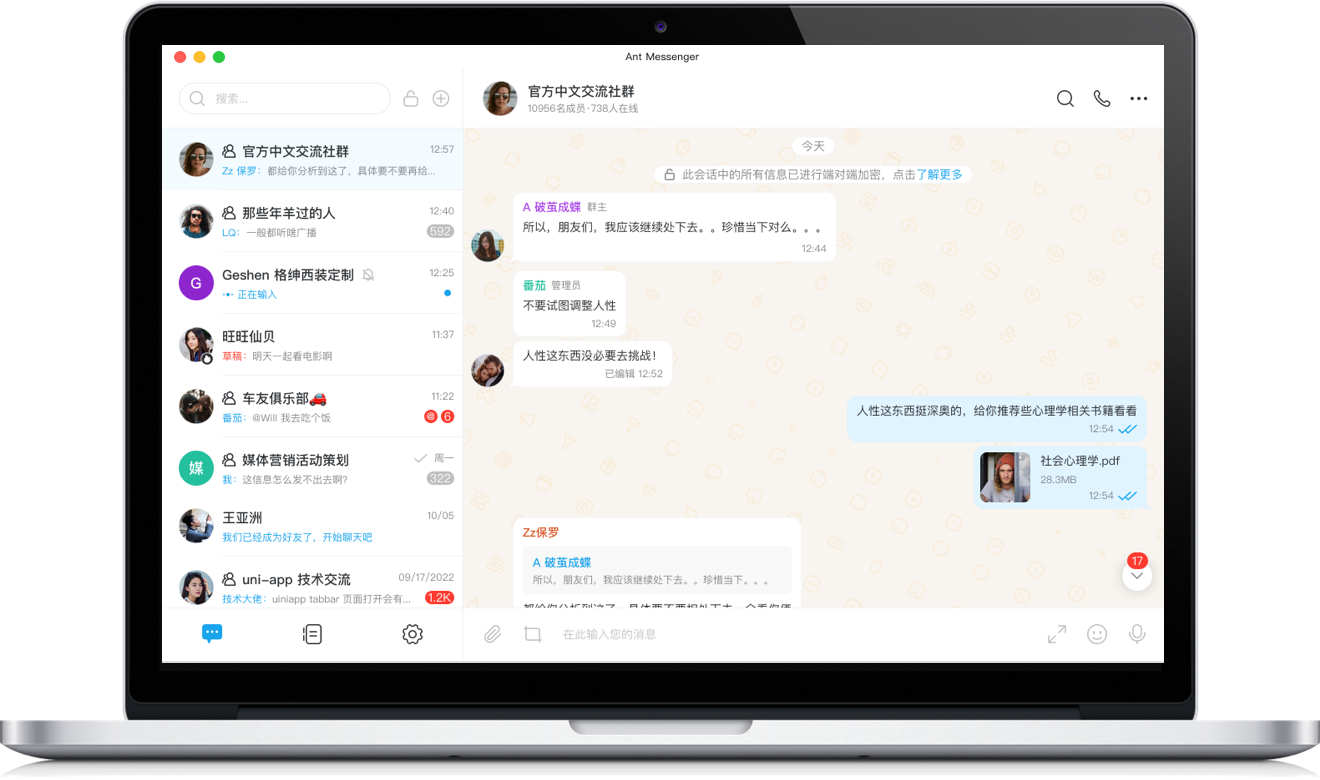
Ant Messenger 是开源免费的安全即时通讯工具,覆盖文字、语音、图片与文件沟通,并把端到端加密、防截屏等隐私保护做成默认配置,无需额外开启。
Ant Messenger is a free, open-source, secure messaging app for text, voice, photos, and files, with privacy features such as end-to-end encryption and screenshot protection enabled by default.
云端托管与私有化部署两种运行方式可按需选用,加密聊天记录可在手机与电脑间同步;阅后即焚、双向删除等细粒度控制,让每条消息的去留由使用者决定。
Choose cloud-hosted or self-hosted deployment as needed; encrypted chats sync across your phone and computer, while self-destruct and mutual deletion let you decide what stays and what disappears.
立即下载 Download Now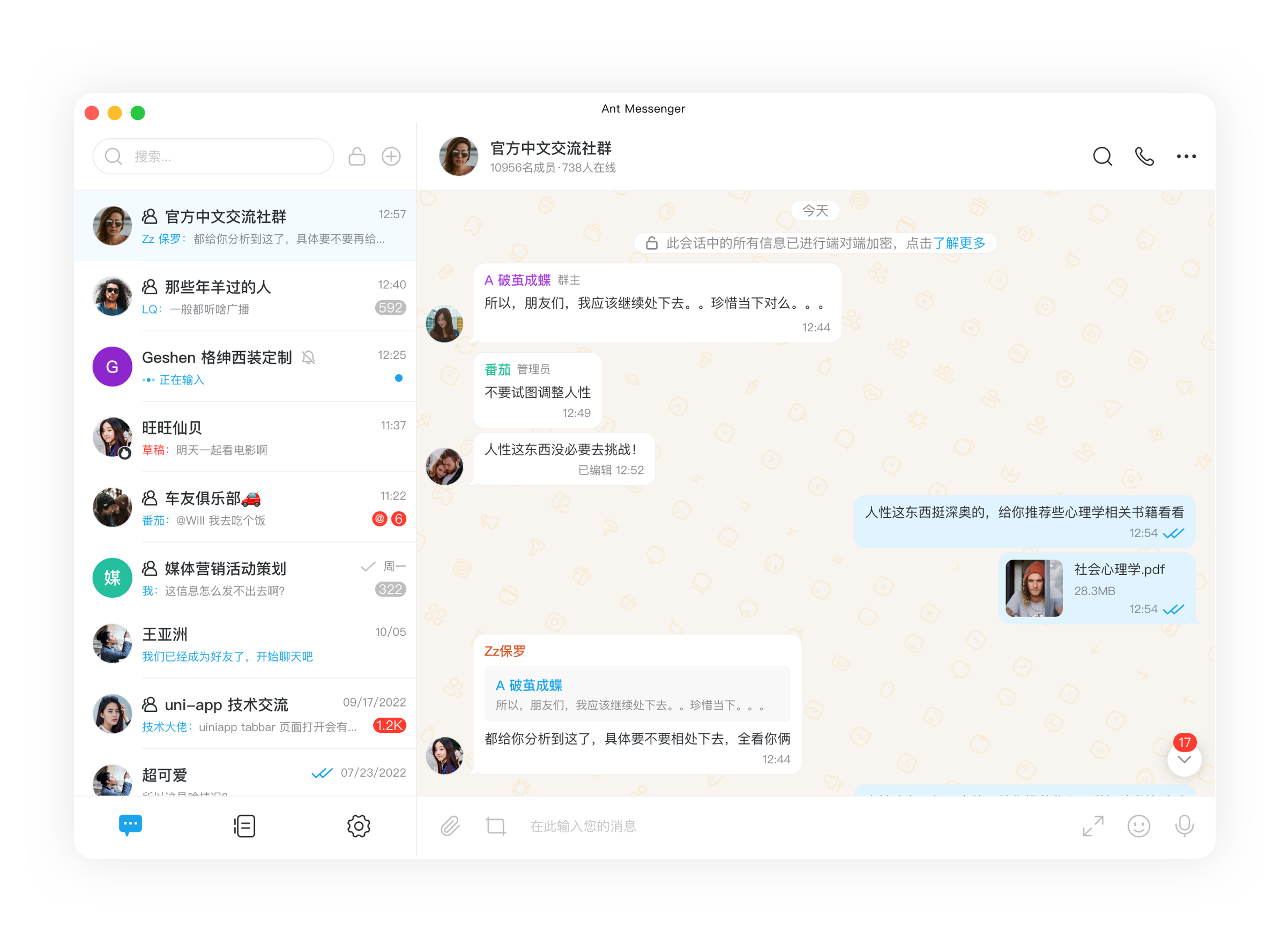
支持自建服务器与云端托管两种方式按需切换,消息与文件不交由第三方留存处理,个人使用者与企业组织均可自行决定数据的存储位置。
Choose between self-hosted servers and managed cloud hosting as needed; chats and files are never handed to third-party retention, letting both individuals and organizations decide where data lives.
发出的消息默认经过端到端加密,明文仅能在收发两端还原,服务器与任何中间环节均无从查看,从传输层面杜绝内容泄露。
Outgoing messages are end-to-end encrypted by default; plaintext can only be recovered on the two endpoints, so servers and intermediaries have nothing to intercept.
手机、电脑与平板可同时保持在线,加密后的聊天记录和文件在设备间实时同步、无缝衔接;任一设备丢失,数据仍可从其余设备取回。
Keep phone, desktop, and tablet signed in at once, with encrypted chats and files synced in real time; lose any device and data remains recoverable from the others.
群组规模最高可容纳万人,群内每条消息均保持加密,即便成员众多也能稳定收发,适用于团队协作与大型社群的组织沟通。
Groups can hold up to 10,000 members while every message stays encrypted, keeping delivery stable at scale for team and community use.
文字、语音、视频、文件与通话均可作为沟通方式,每一种消息形态都处于加密保护范围之内,覆盖工作与生活的各类沟通需求。
Text, voice, video, files, and calls all sit inside the same encryption boundary, covering the full range of personal and workplace conversations.
系统内置隐藏手机号、应用锁、防截屏与阅后即焚等多项防护,不同环节互为补充,为使用者提供层次化的隐私保护。
Built-in phone-number hiding, app lock, screenshot protection, and self-destruct mechanisms complement one another to deliver layered privacy.
文件在加密后上传至云端,存储容量与保留时长均不设限制,云端一方无法读取内容;使用者可随时下载取用,不因存放云端而降低安全性。
Files are encrypted before upload to the cloud, with no caps on size or retention; the cloud side cannot read the contents, so access stays safe and convenient anytime.
产品源码开放供公众审查,安全机制经得起技术检验;无内置广告、无订阅费用、不收集使用者数据,可长期免费使用。
The source code is open for public review, so security claims can be independently checked; no ads, no fees, and no data collection make it free to use long term.